International 

Shipping 

1-Year

Warranty

 24/7

Support

Easy Returns and Exchanges

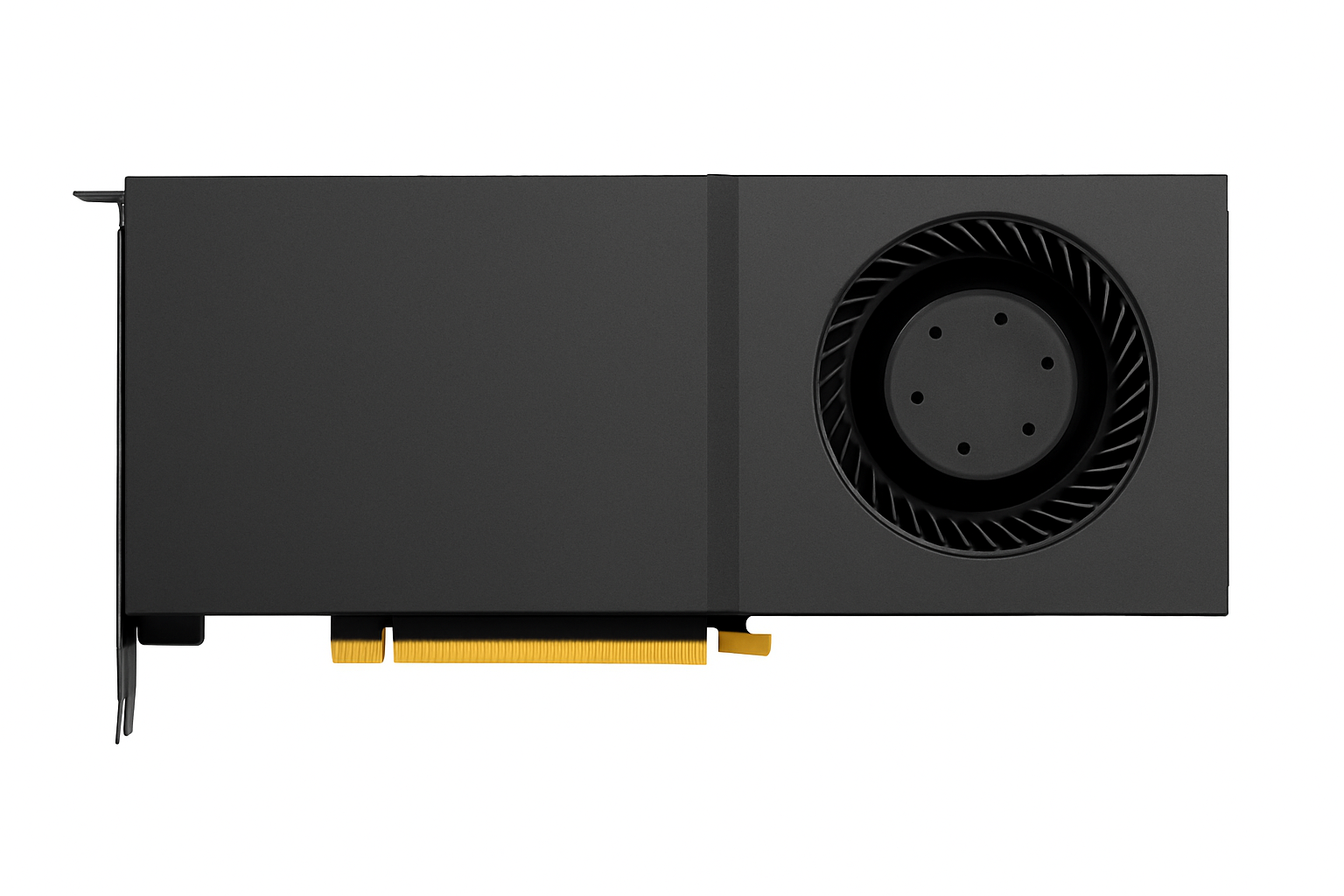
NVIDIA RTX PRO 5000 48GB GDDR7 顯示卡 |新的

HKD 38,000.00

Available Stock - Ready to Ship

NVIDIA 資料中心 GPU · 新品
NVIDIA RTX PRO 5000 — 48GB GDDR7
RTX PRO 5000 系列顯示卡,配備 48GB GDDR7 記憶體,用於 AI 推理、訓練和渲染。

真的 NVIDIA RTX PRO 5000 配備 48GB GDDR7 記憶體。這類顯示卡常用於推理伺服器、渲染農場和多 GPU 工作站——在這些應用中,顯存容量和頻寬決定了模型大小的上限。

專為人工智慧工作負載而設計

大幀緩衝區GPU是現代人工智慧得以實際應用的關鍵:更大的上下文視窗、更大的批次處理能力,以及只需一張顯示卡即可運行的模型(而非之前的四張)。這正是當今推理和微調部署背後的硬體基礎。

為什麼選擇從C2購買

我們為亞太地區的整合商和企業提供企業級和專業視覺 GPU,提供大量定價,並擁有真正了解這些顯示卡所用平台的工程師。

技術規格

GPU NVIDIA RTX PRO 5000
記憶 48GB GDDR7
狀態 新增-平行進口
建置GPU容量?
多 GPU 伺服器、工作站建置和叢集節點-按需配置是我們的日常業務。

產品圖片僅供參考。商品狀況:全新(平行進口)。所有商標均為其各自所有者所有。

NVIDIA 資料中心 GPU · 新品
NVIDIA RTX PRO 5000 — 48GB GDDR7
RTX PRO 5000 系列顯示卡,配備 48GB GDDR7 記憶體,用於 AI 推理、訓練和渲染。

真的 NVIDIA RTX PRO 5000 配備 48GB GDDR7 記憶體。這類顯示卡常用於推理伺服器、渲染農場和多 GPU 工作站——在這些應用中,顯存容量和頻寬決定了模型大小的上限。

專為人工智慧工作負載而設計

大幀緩衝區GPU是現代人工智慧得以實際應用的關鍵:更大的上下文視窗、更大的批次處理能力,以及只需一張顯示卡即可運行的模型(而非之前的四張)。這正是當今推理和微調部署背後的硬體基礎。

為什麼選擇從C2購買

我們為亞太地區的整合商和企業提供企業級和專業視覺 GPU,提供大量定價,並擁有真正了解這些顯示卡所用平台的工程師。

技術規格

GPU NVIDIA RTX PRO 5000
記憶 48GB GDDR7
狀態 新增-平行進口
建置GPU容量?
多 GPU 伺服器、工作站建置和叢集節點-按需配置是我們的日常業務。

產品圖片僅供參考。商品狀況:全新(平行進口)。所有商標均為其各自所有者所有。

  • Product Specifications
  • Product Details
  • Product Services

Technical Specifications

Nvidia Architecture

Blackwell

Memory Configuration

32GB GDDR7

Memory Bandwidth

1792 GB/sec

CUDA Cores

21760

Tensor Cores

5th Gen


Ray Tracing Cores

4th Gen

AI TOPS

3352

What's Included

  • Graphics Card
  • User Manual
  • Power Cable
  • Installation CD
  • Warranty Card

Professional Support

Setup Assistance
Our team preconfigures the graphics card settings to ensure seamless installation and operation.
Customer Service
Contact our 24/7 support desk for any inquiries or technical assistance to keep your systems running smoothly.

The Ultimate Platform for Gamers and Creators

Game-Winning Responsiveness

Nvidia Reflex 2 with Frame Warp

AI-Enhanced Graphics and Performance

NVIDIA DLSS 4 with Multi Frame Generation

Ultimate Gaming Display Technology

NVIDIA G-SYNC

Accelerate Your Creativity

NVIDIA Studio creator tools and technology

Fifth-Gen Tensor Cores
Max AI performance with FP4 and DLSS 4
New Streaming Multiprocessors
Optimized for neural shaders
Fourth-Gen Ray Tracing Cores
Built for Mega Geometry

Nvidia DLSS 4

Supreme Speed. Superior Visuals. Powered by AI.

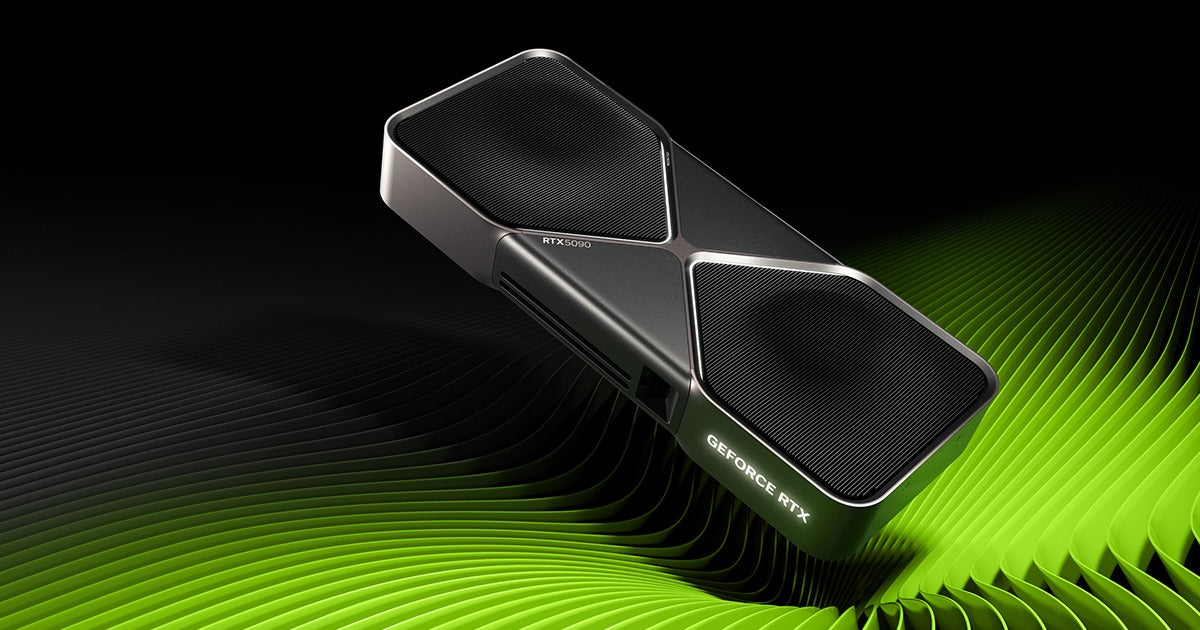
RTX5090 Game Changer

Title
Alt image
Title
FLASH SALE ALERT

GAME WITHOUT LIMITS WITH OUR PREMIUM WARRANTY

00
Days
00
Hours
00
Minutes
00
Seconds
Enjoy an additional 2 years of comprehensive support at an unbeatable price!
Product not found

Top Picks

Experience unparalleled performance with our range of cutting-edge graphics solutions.
  • Specifications

  • User Reviews

  • FAQ

DISCOVER YOUR SOLUTIONS HERE

COMMON QUESTIONS ANSWERED

Why is my graphics card not being recognized by my system?
Ensure the card is properly seated in the PCIe slot and the power connectors are securely attached. Check your BIOS settings to ensure the PCIe slot is enabled.
Is it normal for the graphics card to get warm during high performance tasks?
Yes, it's normal for high-performance graphics cards to generate heat. Ensure your system has adequate cooling and ventilation to maintain optimal temperatures.
Can I use this graphics card with a standard power supply?
It's important to verify that your power supply meets the minimum wattage and connector requirements for the graphics card to ensure stable performance.
How do I install the latest drivers for my graphics card?
Visit the NVIDIA website to download the latest drivers. Follow the installation instructions to optimize the performance of your graphics card.
Why is my display not showing any output after installing the graphics card?
Double-check that all cables are securely connected and that your monitor is set to the correct input source. Try reseating the graphics card if the issue persists.
Why is my system crashing during graphics-intensive tasks?
Ensure your system meets the recommended specifications for the software or game. Check for driver updates and monitor your system temperatures.
What does the extended warranty cover for my graphics card?
The extended warranty covers manufacturer defects, hardware failures, and offers priority customer support. Check the warranty terms for detailed information.
See All FAQs

Need more help with your graphics card?

Call our support team at 3008-3088 or email us at [email protected] for assistance.

Thanks for contacting us. We'll get back to you as soon as possible.
Email address*
Your question*

Copyright © 2023 C2 Computer. All Rights Reserved.

顧客評論

成為第一個撰寫評論的人
0%
(0)
0%
(0)
0%
(0)
0%
(0)
0%
(0)